<img height="1" width="1" src="https://www.facebook.com/tr?id=922328371831790&amp;ev=PageView &amp;noscript=1">
Request My Demo
Request My Demo
counseling comments

Easy to Learn, Use, and Manage

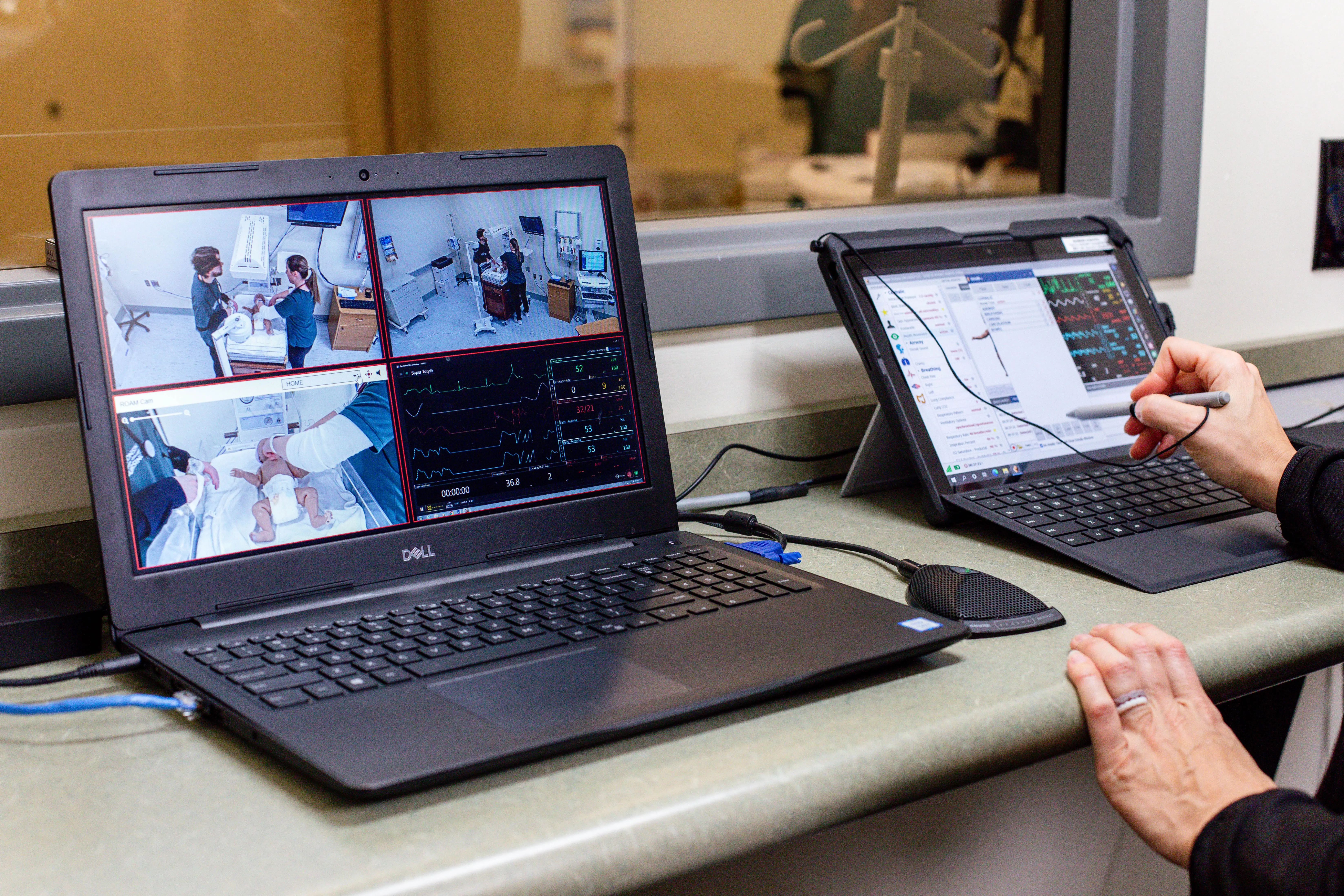
The VALT solution is an incredibly simple but powerful tool that can be learned in minutes. Basic observation and recording tasks are often picked up intuitively without the need for any extensive training or technical support. Our interface minimizes complexity and points of failure so that your recording system is always there when you need it for critical educational tasks.

Camera Grouping

Group multiple cameras or encoders together into a single room. Grouped cameras start recording together and are enabled for synchronized playback.

Multi View

Create custom saved views of multiple cameras in multiple room with a drag and drop layout matrix. Users are able to observe up to nine rooms simultaneously.

LDAP Integration

Completely automate the user management process by automatically importing LDAP users into the system. Users keep their same network login information to access our system while being assigned to the proper VALT user group.

VALT Features to help student outcomes in Clinical Skills

camera control icon

Digital Zoom

Digitally zoom in, either during live observation or when reviewing a video recording – an especially useful feature when paired with HD cameras. 
Details
scheduling control icon

Scheduler

Users can schedule recordings in advance, including on a recurring – daily, weekly, or monthly. PTZ cameras can be automatically repositioned to an area of interest at the beginning of any recording. 

Details
dark mode icon

Button & LED

Start and stop recording with the push of a button or the swipe of a RFID card reader. The system also integrates LEDs providing a visual indicator as to when a recording is active. 
Details
transcription icon

Feedback Functionality

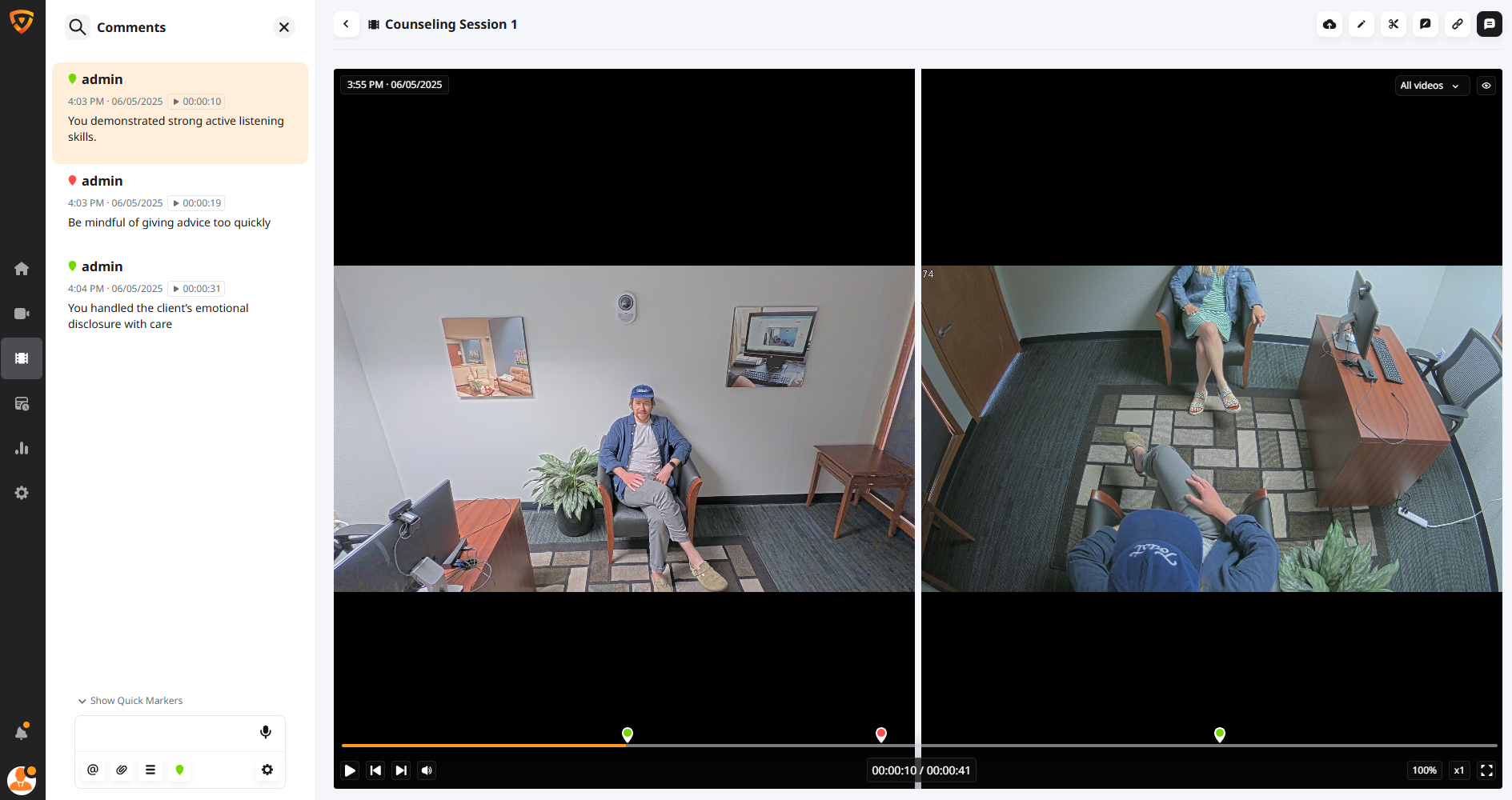
Highlight key moments or provide comments during live observation or during the review process that timestamp moments in video, easy to jump or search for specific points.
Details
live feedback icon

Talk-back

Faculty can provide feedback or coaching into any room with the “talkback” feature, often transmitted privately into a wireless earpiece worn by the student clinician. 

Details

The Next Generation of Audio/Video Capture in Healthcare and Higher Education

As you evaluate the many A/V capture options available today, use this guide to help determine the features and capabilities most important for improving your program’s outcomes. 

Download Guide

Case Study

How SLP Programs Use VALT?

Watch how Texas Women's University is leveraging VALT for better speech-language pathology session training.

Explore case studies

Integration Across Campus

VALT is simple to deploy and use across multiple departments at an institution. From a single appliance, support all cameras and equipment, and manage all users with a secure permissions structure that segments departments' unique workflow while ensuring patient data security. As your needs grow, scale with ease with a browser-based application so no software to download all while incurring no per-client license cost.

VALT for Counseling
Counseling/Psychology Training
Physical Therapy thumbnail
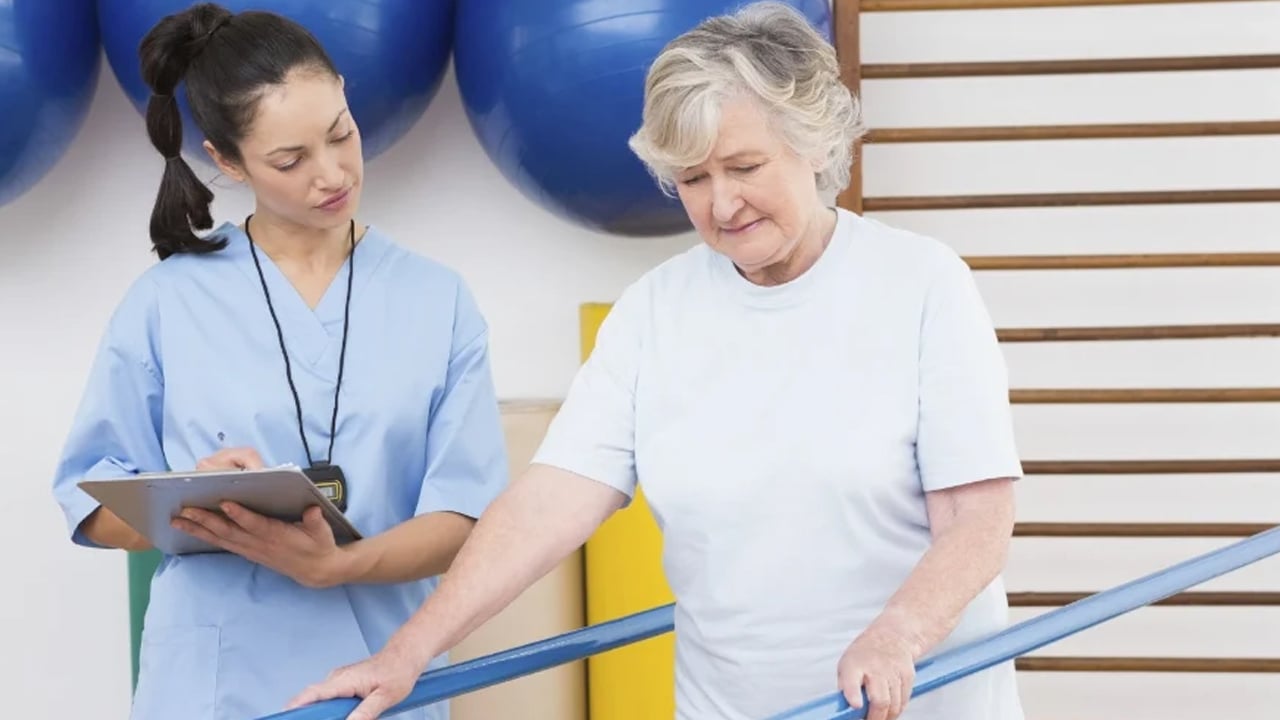
Occupational/Physical Therapy Training
IVS-Video-Thumbnail Video Recording System for Child Studies & Development
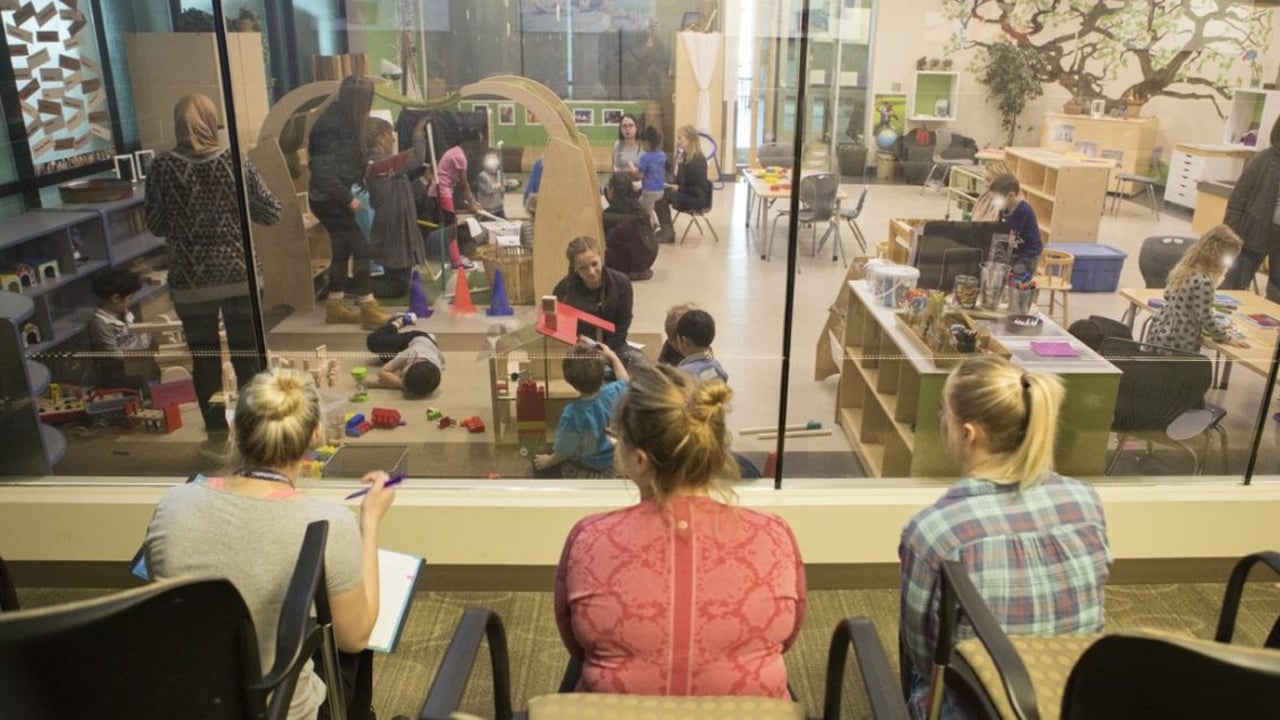
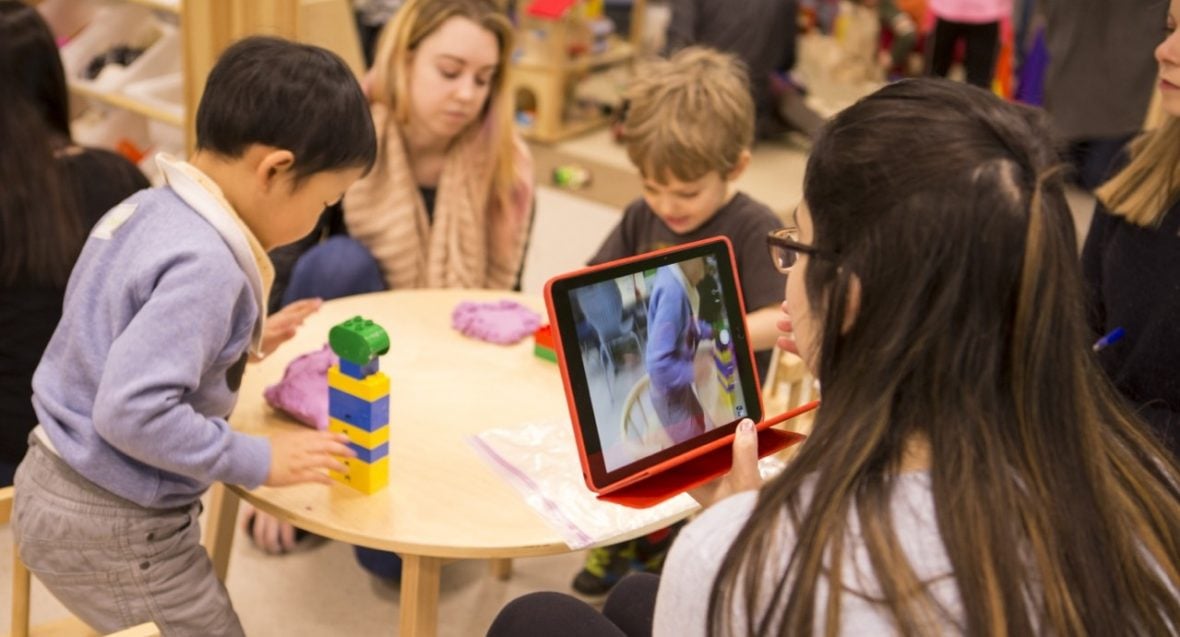
Communicative Disorder/Autism Studies
MRU - Simulation _ Nursing
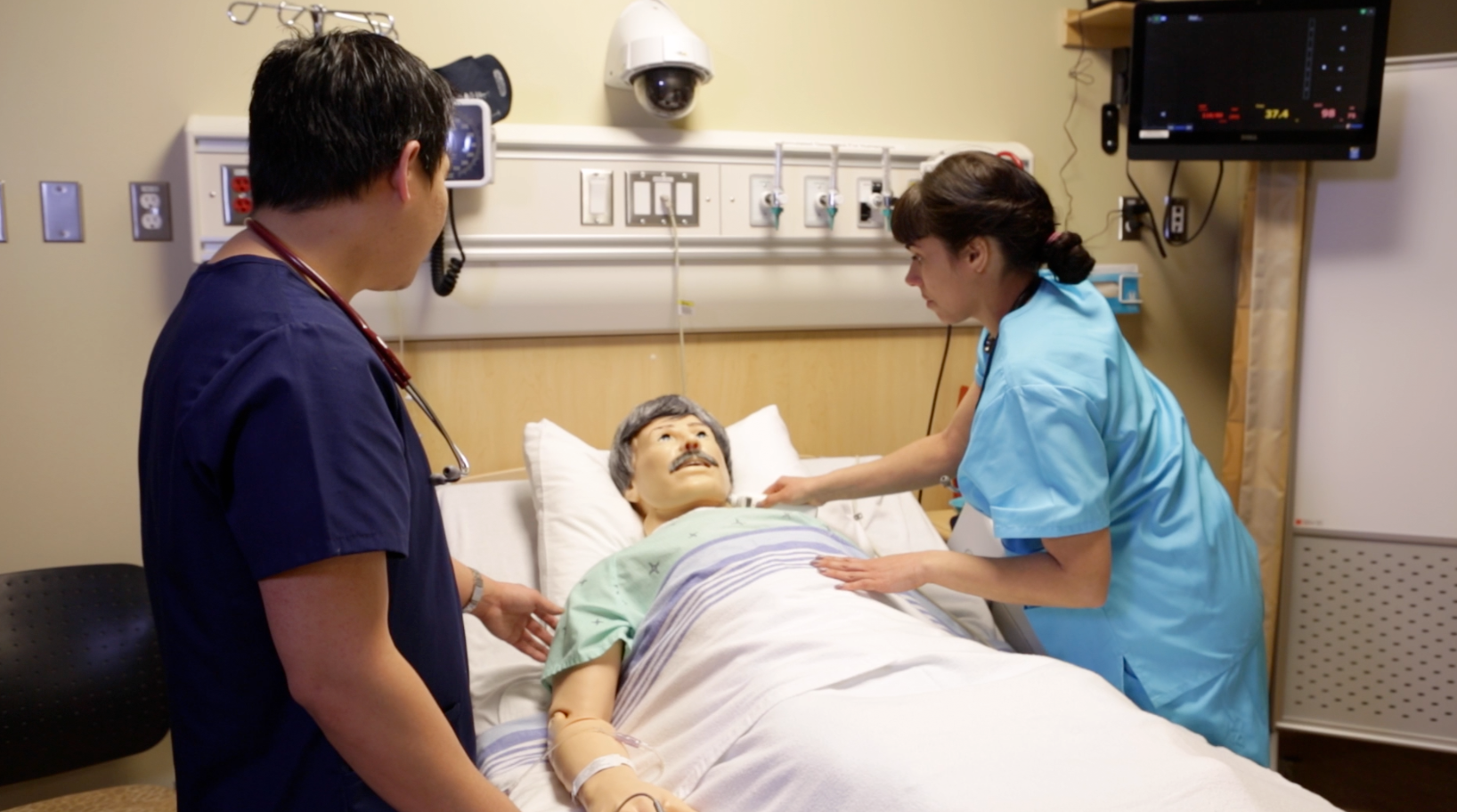
Nursing Education
beam-1

BEAM for Mobile Recording

Clinical skills applications sometimes need the ability to record videos in the field, maintain videos in the main system, and have “live” cameras on premises. Beam turns any device into a secure mobile recording platform. The Beam iOS application integrates seamlessly with VALT, automating the management process for any videos recorded using Beam.

Learn More
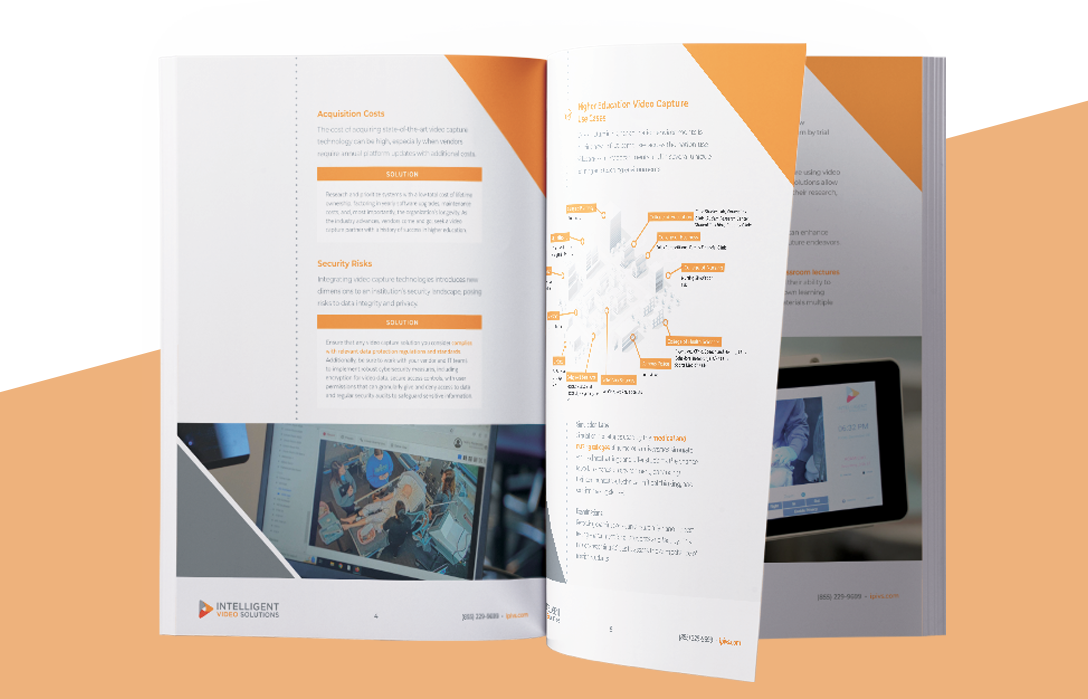
Resources for Higher Education Institutions

Discover the latest guides, checklists, blogs, webinars, and white papers that cover the topics of video and A/V and their impact on experiential learning, skill development, research, and evidence capture.
Guide
Inside Pages Mockup
Higher Ed A/V Capture Planning Guide
Tip-sheet
tipsheet cover-1
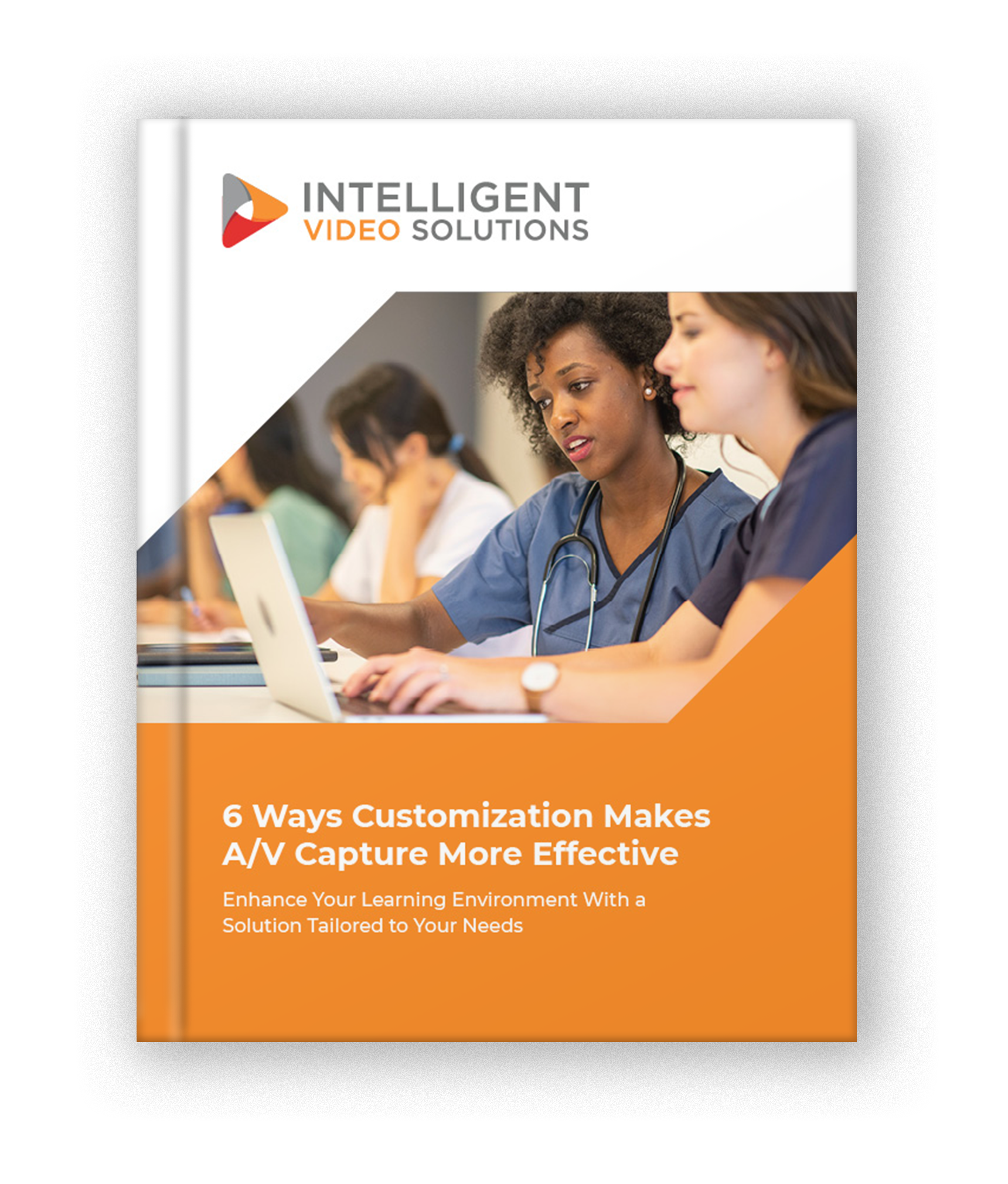
6 Ways Customization Makes A/V Capture More Effective
Product
valt product
VALT
Platform Overview

FAQs for Video Solutions in Clinical Skills

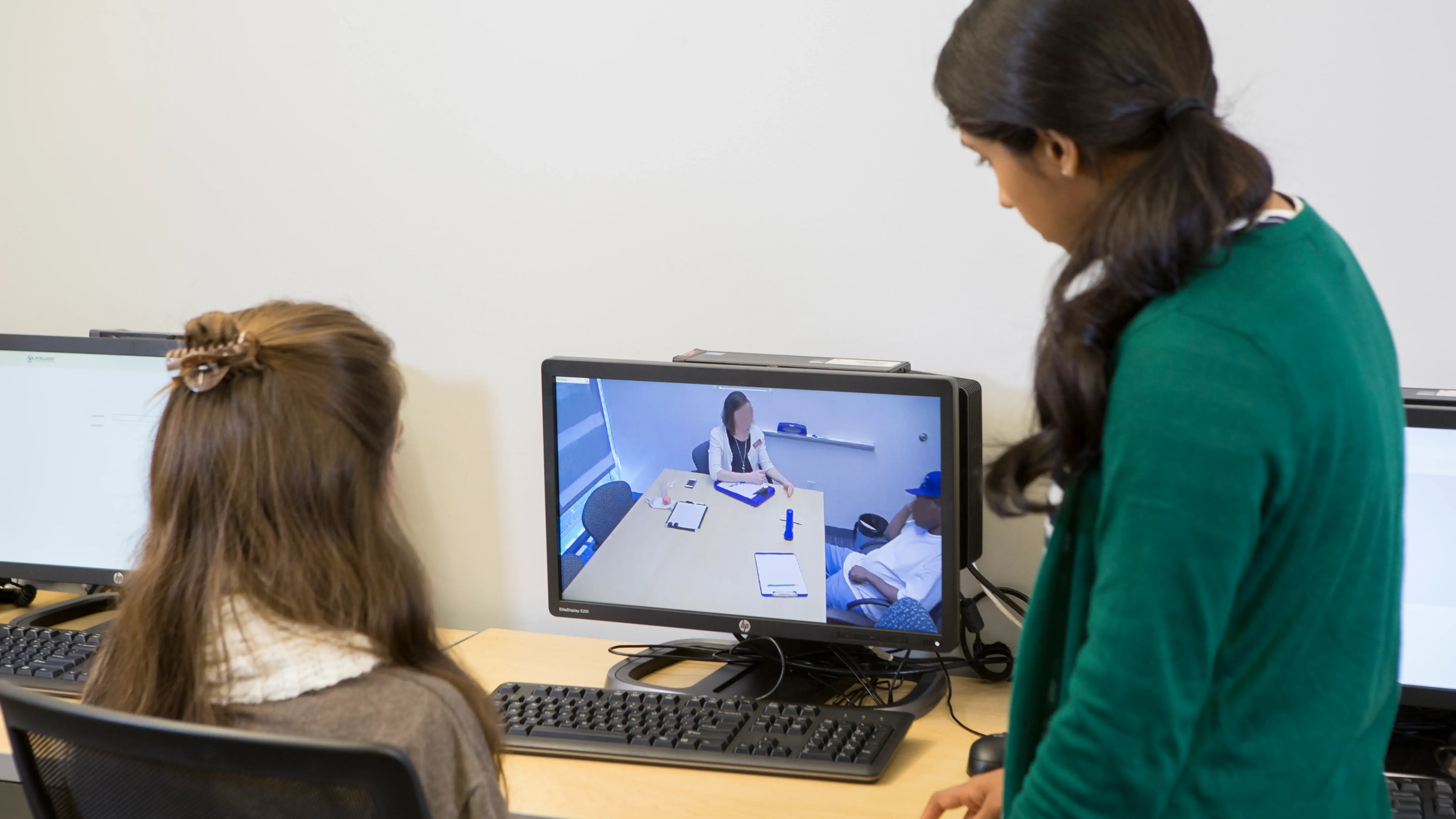
We built our A/V system specifically for clinical education environments like graduate medical programs. Our A/V software systems simplify the process of observing, recording, and providing feedback on patient interactions between students and qualified faculty. The intuitive browser-based interface allows clinical supervisors to critically evaluate student performance and progress, while also enabling students to engage in self-reflection through video review. 
In these critical clinical learning environments, the guidance and supervision provided by qualified faculty is paramount to effectively training residents and fellows. Our audio/video solutions make observation, recording, and feedback on student-patient interactions easier and more impactful. The high-quality video and audio capture, combined with powerful review and evaluation tools, allow supervisors to provide more frequent, detailed, and valuable guidance to students. 
Beyond the standard supervision requirements, our audio/video solutions can become valuable educational and research tools for program directors, clinical supervisors, and students. You will be able to provide critical feedback and evaluation directly to students. And, you’ll have access to comprehensive reporting functionalities to build a powerful research database to track patient progress and support broader clinical studies.  
Our audio/video solutions are designed for seamless integration into the existing IT infrastructure of graduate medical education facilities. The VALT solution can be deployed as a purpose-built appliance or run as a virtual machine, and it easily connects with industry-standard IP cameras, HDMI encoders, and other devices to capture comprehensive audio/video data. This flexibility ensures a smooth, cost-effective implementation tailored to your program's specific needs. 
Maintaining the privacy and security of patient data is of the utmost importance in clinical training environments. Our audio/video solutions are built with robust confidentiality and security controls to meet the strict requirements of graduate medical education programs. This includes integrating with user authentication, restricting access to authorized personnel, and ensuring recordings are only used for approved educational and research purposes in full compliance with relevant regulations. 

Learn more about our audio video recording solutions.