


Easy to Learn, Use, and Manage
Camera Grouping
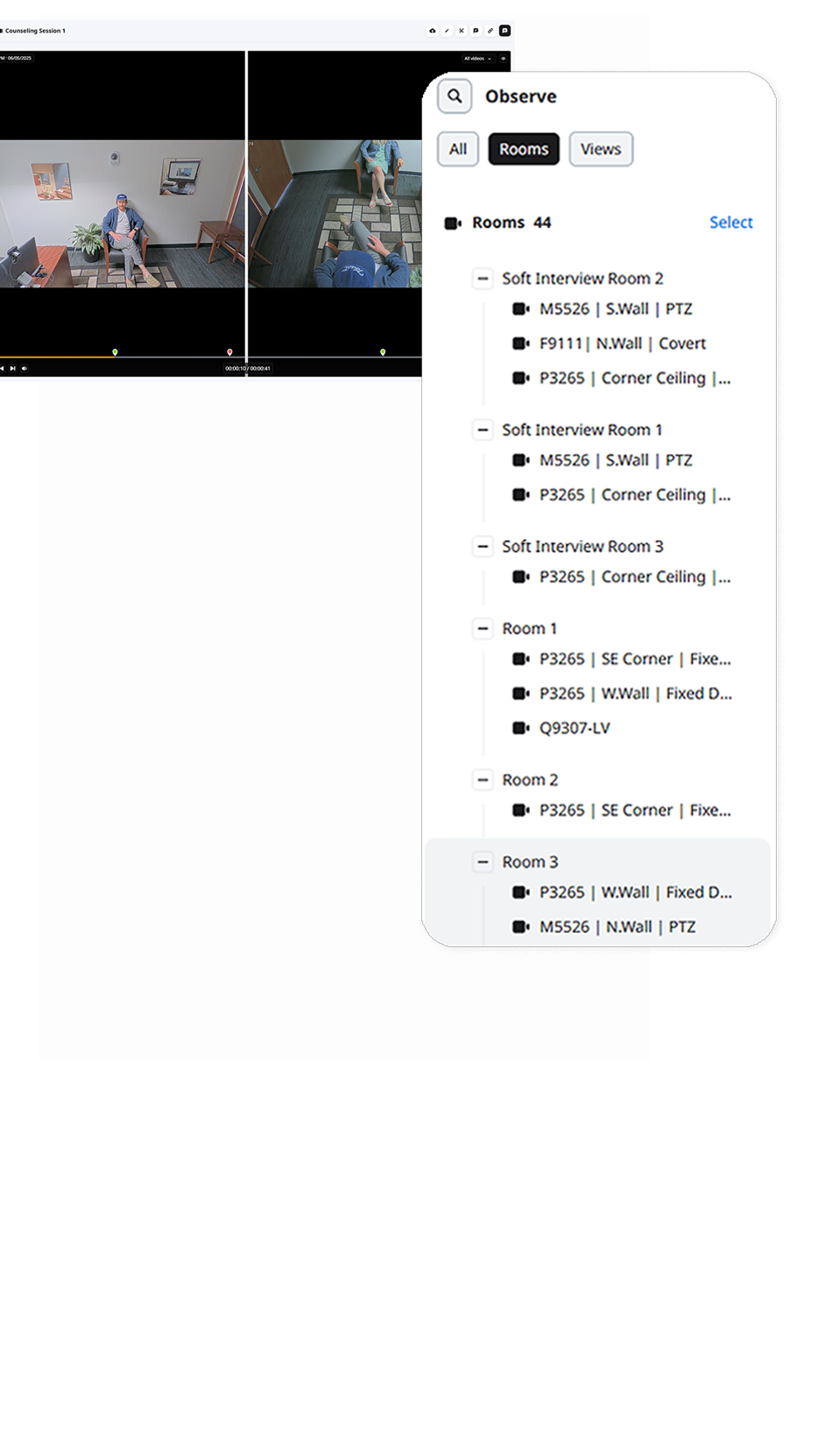
Group multiple cameras or encoders together into a single room. Grouped cameras start recording together and are enabled for synchronized playback.
Multi View
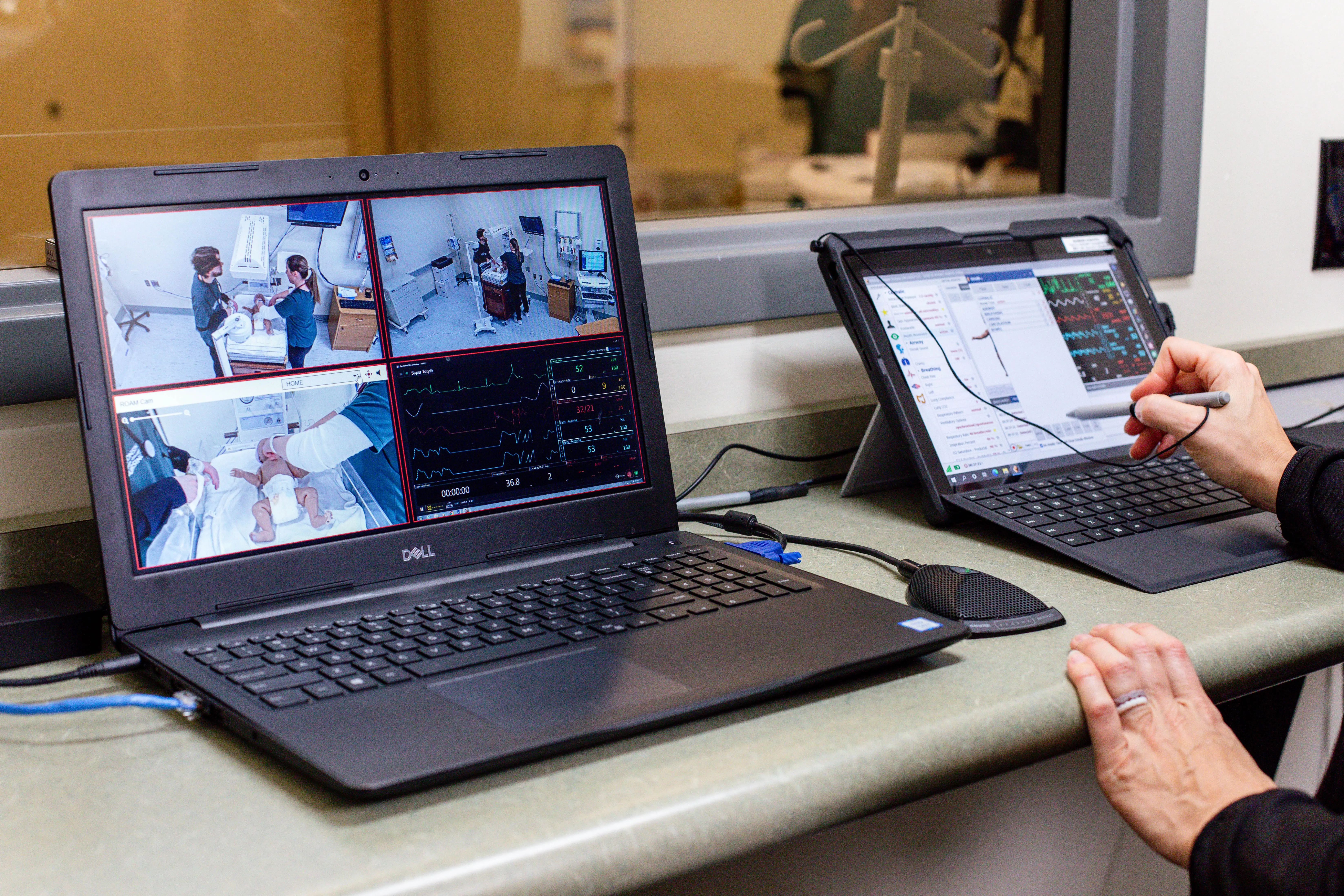
Create custom saved views of multiple cameras in multiple room with a drag and drop layout matrix. Users are able to observe up to nine rooms simultaneously.
LDAP Integration
Completely automate the user management process by automatically importing LDAP users into the system. Users keep their same network login information to access our system while being assigned to the proper VALT user group.

Digital Zoom
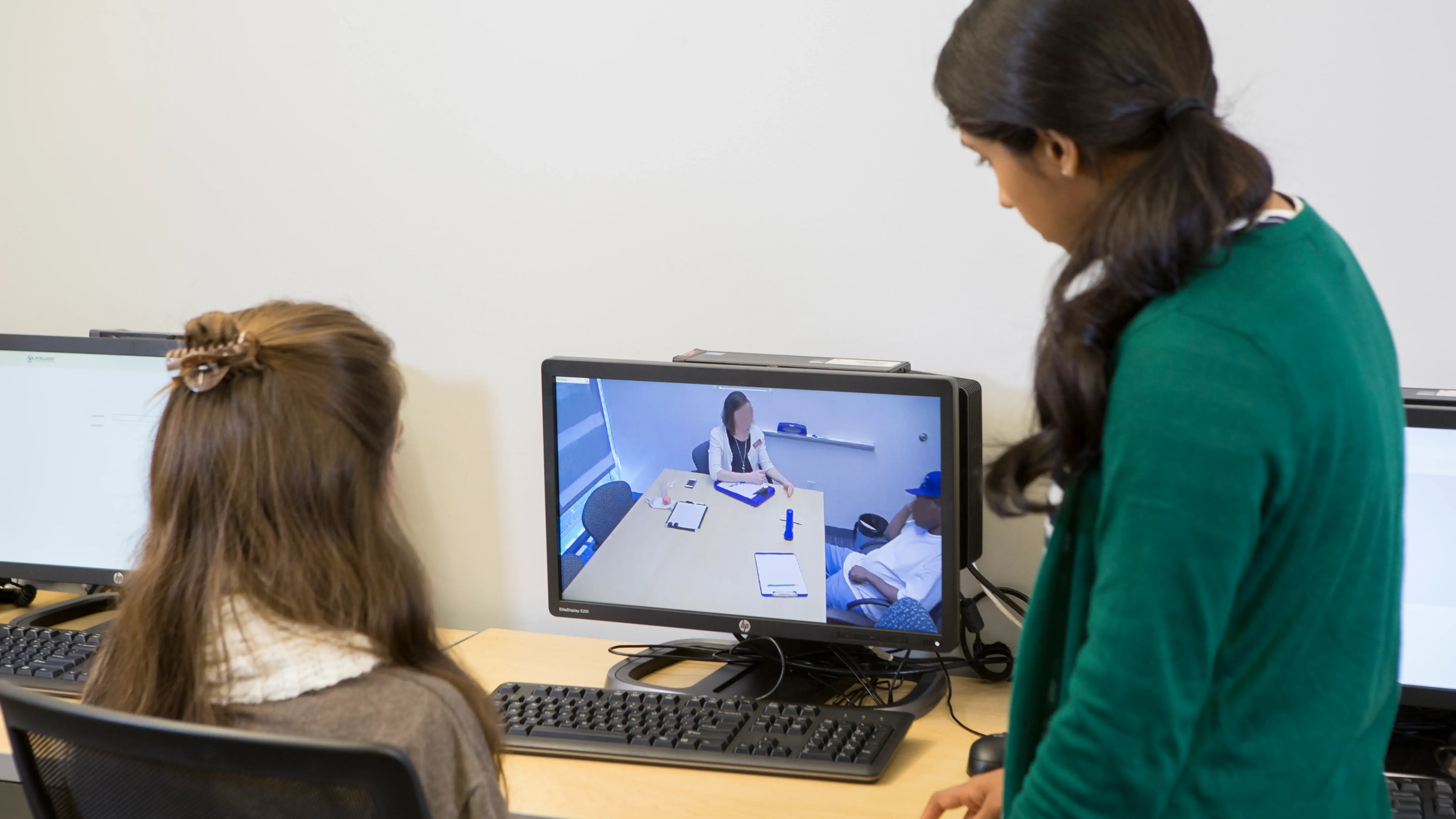
Digitally zoom in, either during live observation or when reviewing a video recording – an especially useful feature when paired with HD cameras.
Scheduler
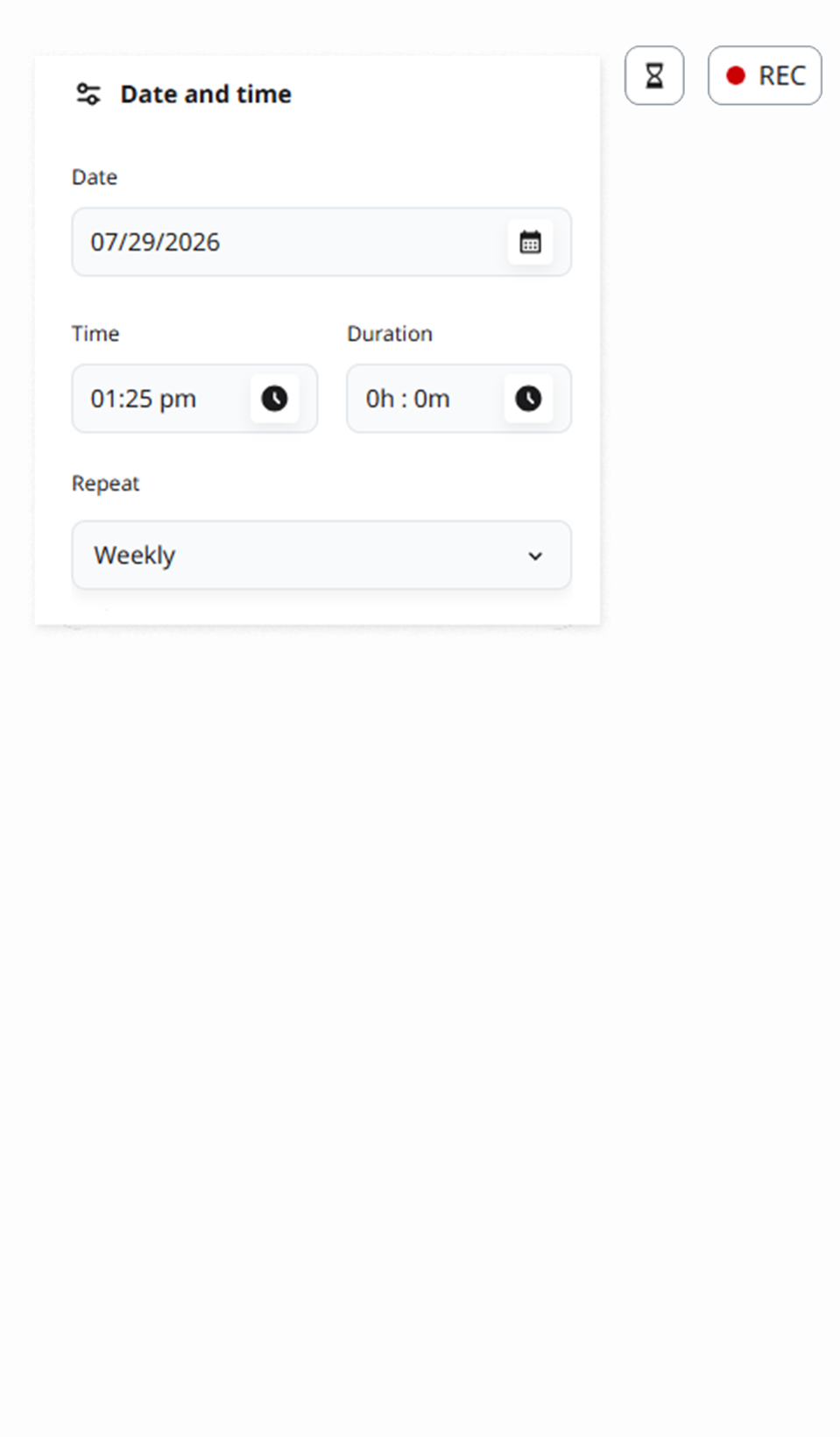
Users can schedule recordings in advance, including on a recurring – daily, weekly, or monthly. PTZ cameras can be automatically repositioned to an area of interest at the beginning of any recording.

Button & LED
Start and stop recording with the push of a button or the swipe of a RFID card reader. The system also integrates LEDs providing a visual indicator as to when a recording is active.

Feedback Functionality
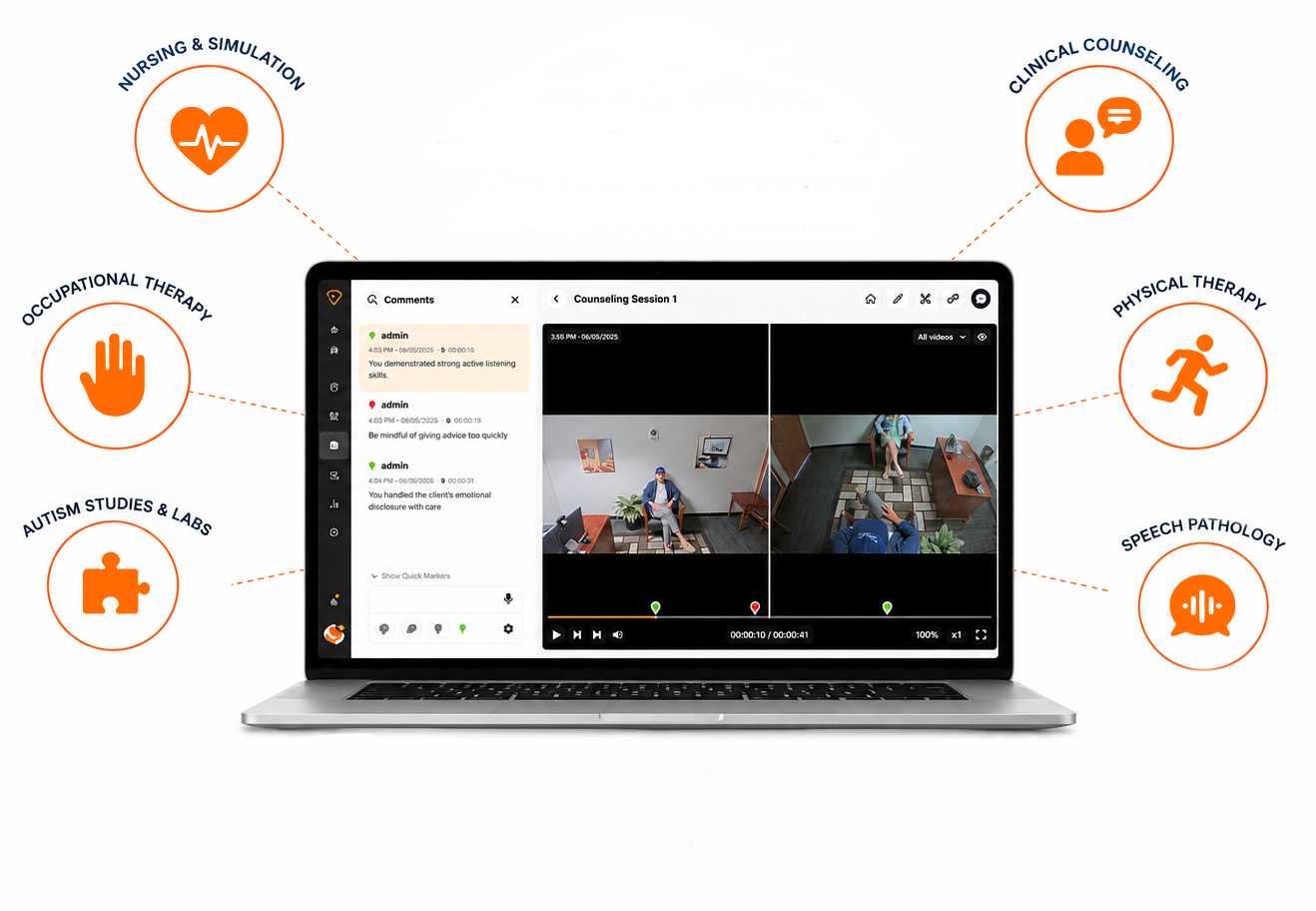
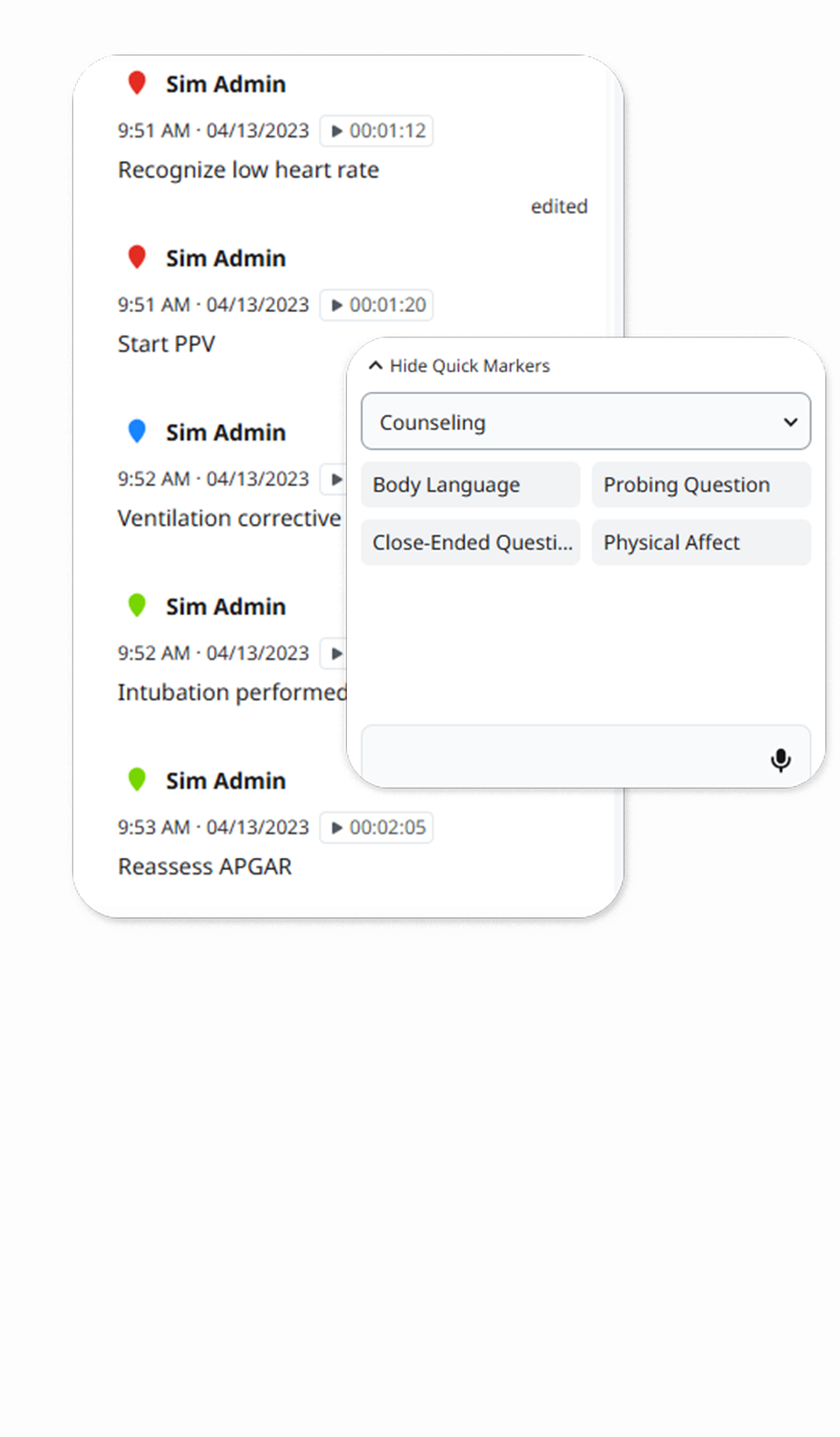
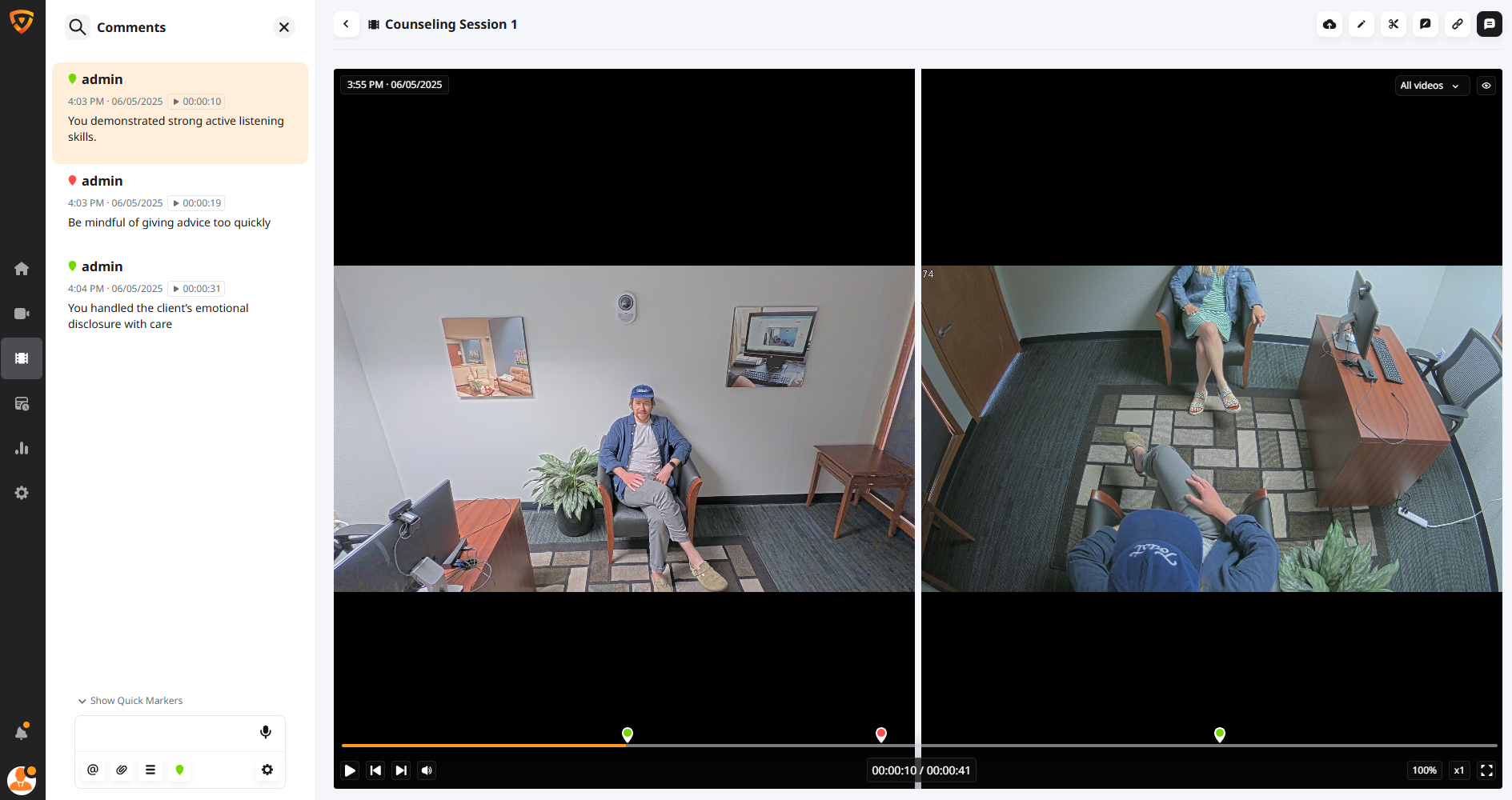
Highlight key moments or provide comments during live observation or during the review process that timestamp moments in video, easy to jump or search for specific points.

Talk-back
Faculty can provide feedback or coaching into any room with the “talkback” feature, often transmitted privately into a wireless earpiece worn by the student clinician.
Hardware, Do More with Less?

HD Video and High-Quality Audio
HD IP-based PTZ, fixed, and mobile cameras support video capture in 1080p sync with high-quality microphones for exceptional audio. Add any number of cameras and audio equipment to multiple rooms.
Scalable Technology Architecture
A single VALT appliance supports up to 50 cameras and delivers unlimited streams, easy to add cameras and equipemnt. as your program grows.

Reliable Operating System
Robust enterprise components built on top of a hardened Linux operating system and a proven application stack to minimize points of failure.

Protect Student and Patient data
User permission structure and encryption methods help support program's HIPAA and FERPA compliance by allowing granular access to content and capabilities.
Resources for Higher Education Institutions
Discover the latest guides, checklists, blogs, webinars, and white papers that cover the topics of video and A/V and their impact on experiential learning, skill development, research, and evidence capture.
See for Yourself Why the Difference Is Clear
Get a demo of VALT to discover how you can harness the power of video without technical or security headaches.

